Budget Categories: 8 Parent Groups for a Clear Monthly Plan
Budget categories help you see where paychecks go. Group bills into eight parent areas, keep useful detail, and review the month without tracking 40 labels.
By Ultimate Budget Planner by Cosmo Suite · Editorial policy
Published · 7 min read
General information, not financial advice.
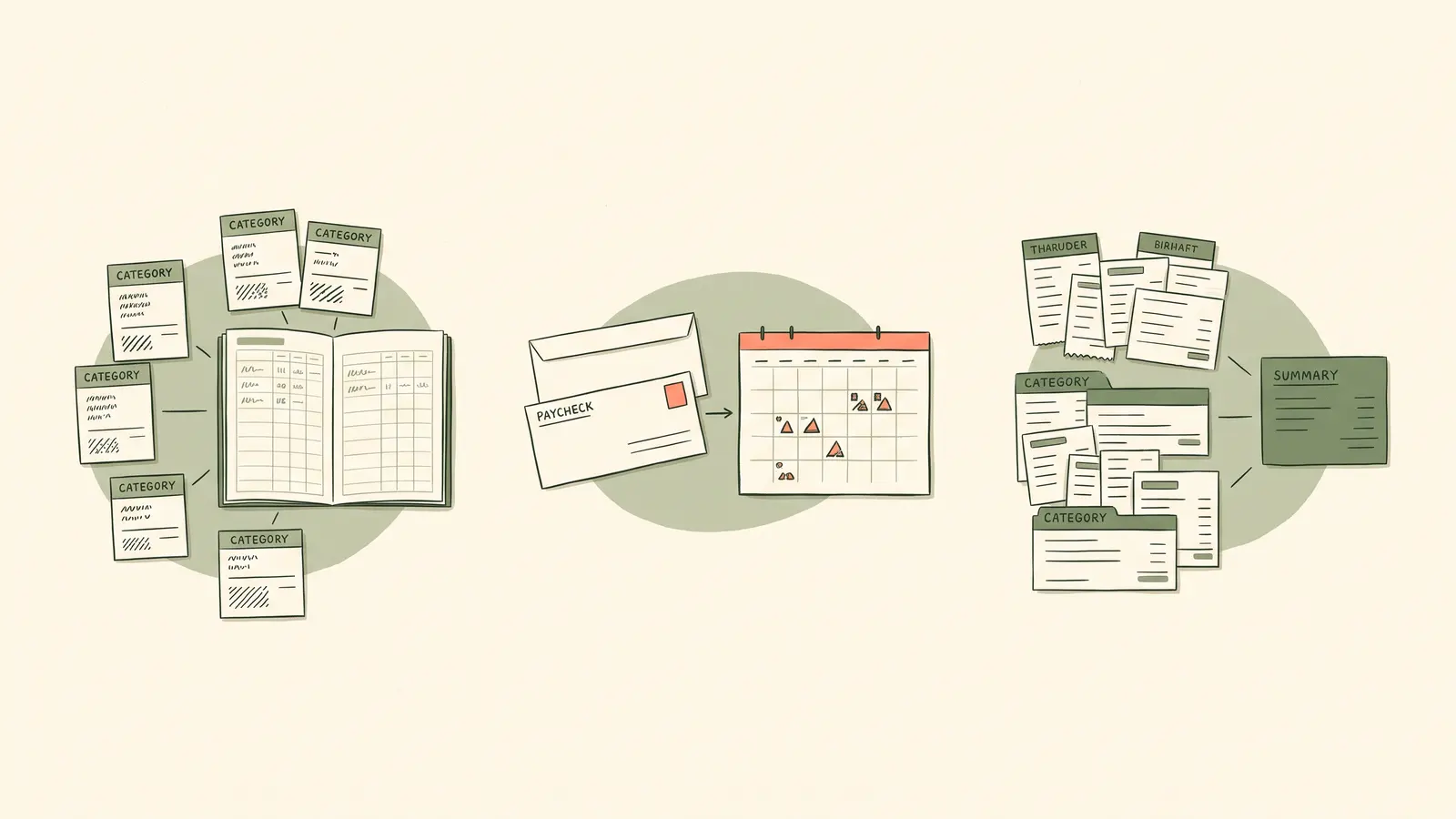
Budget categories can make a monthly plan easier to read, until every purchase seems to need its own label. A grocery store run becomes food, household supplies, toiletries, and maybe a meal eaten on the way home. A long list can be precise and still make the month harder to review.
Choose groups that help you see whether a bill is covered, where your take-home pay went, and what needs a closer look. Start with a small set of parent categories, then add detail only when it answers one of those questions. A monthly budget spreadsheet can keep the detailed transaction beside a simpler monthly view.
Key Takeaways
- Use a small set of parent categories that match your recurring bills and spending.
- Keep annual and occasional costs visible instead of letting them disappear between months.
- Add detail only when it helps you choose, plan, or find an entry.
- Compare the plan with actual spending and adjust the labels next month.
A Budget Category Is a Label for a Decision
A budget category groups income or spending so you can plan for it and review it later. The label is useful when it makes a choice clearer. “Housing” can tell you the total needed for rent, renters insurance, and a parking space. Separate lines for those three costs may also help if their due dates or amounts need separate attention.
Consumer.gov’s budget guide starts with bills, other expenses, income, and a monthly comparison. Its budget worksheet groups examples across housing, food, transportation, health, personal and family, and other costs. The CFPB’s spending checklist also recommends looking across several months and including a miscellaneous category. Use these examples as a starting point, then adjust the labels for your household.
The map can carry more detail than you need. If a “coffee” label never changes your plan, it may fit under Food or Flexible and other. If a yearly car registration keeps surprising the month, give it a visible place even though it is not a monthly bill.
Budget Categories: The Decision Table
Use these eight parent groups as a first draft. A category can hold one line or several subcategories, depending on what you need to see.
| Parent category | Possible details | Best for |
|---|---|---|
| Housing | Rent, insurance, parking, repairs | Bills tied to the home |
| Utilities and communications | Electricity, water, phone, internet | Services with separate statements |
| Food and household | Groceries, meals out, supplies | Choosing how much detail helps |
| Transportation | Transit, fuel, parking, maintenance | Costs that vary by route or vehicle |
| Health and care | Premiums, prescriptions, appointments, childcare | Household care costs |
| Personal and family | Clothing, education, gifts, support, recreation | Costs that vary by household |
| Savings and irregular costs | Annual fees, holidays, planned goals | Items that do not arrive every month |
| Flexible and other | Unassigned purchases, small fees, uncategorized entries | A temporary home while you review |
Treat the table as a first draft. If a bill could fit in two groups, choose one consistent home. Keep the merchant and note on the transaction, then use the parent category for the monthly view.
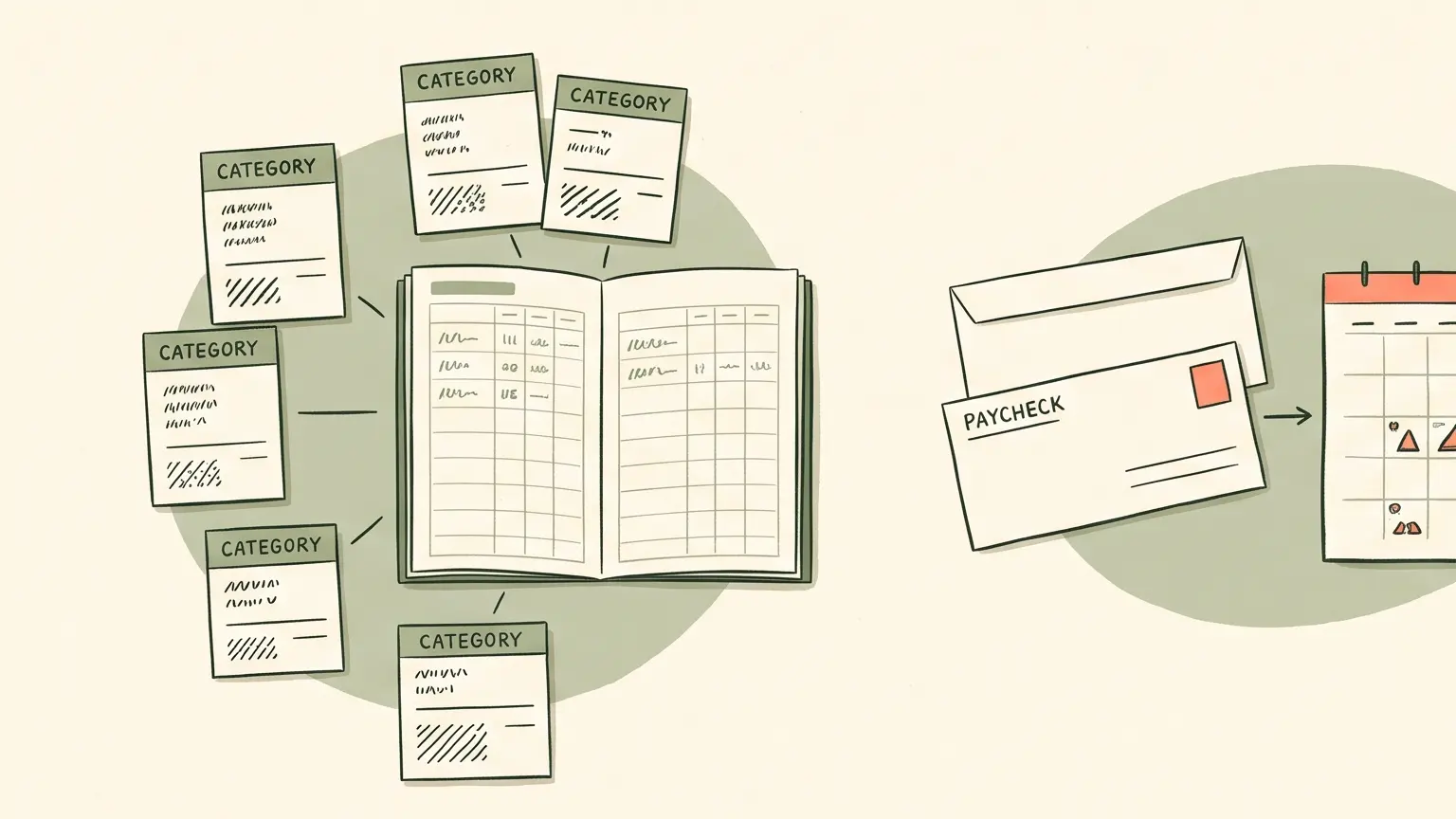
A list of 40 categories can add work when most labels do not change a bill, due date, or next month’s plan. Take a month of purchases and ask what each extra label helps you decide. Keep the details that earn their place. Group the rest under a parent category, where the total is easier to review.
The Worked Month
Consider a fictional reader paid $1,950 every other week. In a two-paycheck month, $3,900 arrives. The table below groups an illustrative plan into eight parent categories. The amounts are examples only, not recommended spending levels.
| Money in | Money out | Left |
|---|---|---|
| Two take-home paychecks: $3,900 | Housing: $1,350; Utilities and communications: $260 | |
| Food and household: $520; Transportation: $340 | ||
| Health and care: $180; Personal and family: $250 | ||
| Savings and irregular costs: $300; Flexible and other: $200 | ||
| Total: $3,900 | Planned total: $3,400 | $500 unassigned |
The $500 is arithmetic left after these example amounts. It is not an estimate of what a household should have left. The reader can assign it to a bill or goal, keep it unassigned until the month is clearer, or change a planned line. The point of the parent groups is to make that choice visible without needing dozens of labels.
Eight Parent Groups Cover Most First Drafts
Housing usually includes rent or a mortgage, insurance, parking, and home costs. Keep a separate line for anything with its own due date or a large change in amount. A landlord payment and a repair bill may both relate to the home, but they behave differently in the month.
Utilities and communications can include electricity, gas, water, phone, and internet. You might keep each provider separate when the bills vary or arrive on different dates. If the total is steady and the detail does not change a decision, one group may be enough.
Food and household can include groceries, meals out, and household supplies. These can stay together at first. Split groceries from meals out if comparing those amounts helps you plan the next month. Keep the label neutral. A budget is a record of choices and bills, not a way to shame yourself for an ordinary purchase.
Transportation includes the costs that help you get where you need to go: transit fares, fuel, parking, tolls, insurance, maintenance, or rides. Use the parts that apply to your life. A car owner and a transit rider do not need identical category lists.
Health and care can include insurance premiums, prescriptions, appointments, vision costs, and childcare. Keep private details out of a shared budget label if other people can see the file. A general label such as “health” may be enough for monthly planning.
Personal and family is a broad group for clothing, education, gifts, money sent to family, recreation, and other household choices. Split a line when the timing matters. For example, tuition due once a term may be easier to prepare for when it is not mixed into everyday purchases.
Savings and irregular costs gives occasional expenses a visible home. The consumer.gov worksheet includes an “other expenses this month” line for costs that do not happen every month, and the CFPB spending checklist calls out miscellaneous spending. You can list an annual bill with its due date and full amount, then decide whether to set aside a monthly portion. A sinking fund is money set aside over time for a future cost. That label describes a planning method; it does not mean the future money is already in your account.
Flexible and other is a short-term landing place for a transaction you have not sorted yet. Review it at month end. If one type of spending keeps appearing and you want to plan for it, give it a permanent category. If it stays small and does not affect a decision, leave it grouped.
Parent Categories Preserve Useful Detail
The best level of detail depends on how you use the plan. Suppose a reader wants to know if food spending is close to the plan, but also wants to see the difference between groceries and meals out. They can keep two subcategories under Food and household while keeping the top-level budget to one parent total.
| Transaction note | Parent category | Optional subcategory |
|---|---|---|
| Market receipt | Food and household | Groceries |
| Lunch with a coworker | Food and household | Meals out |
| Dish soap and paper towels | Food and household | Household supplies |
This gives the monthly view one food total while preserving details for a later review. If the subcategories do not help, remove them. Use the same label for a purchase each time, even when it could fit in two places.
For the fictional $3,900 month above, imagine the $520 Food and household plan is split into $430 groceries and $90 meals out. Those are illustrative amounts. If actual transactions are $455 and $105, the parent total is $560, which is $40 above the example plan. Compare that total with the plan to decide whether next month needs a different amount.
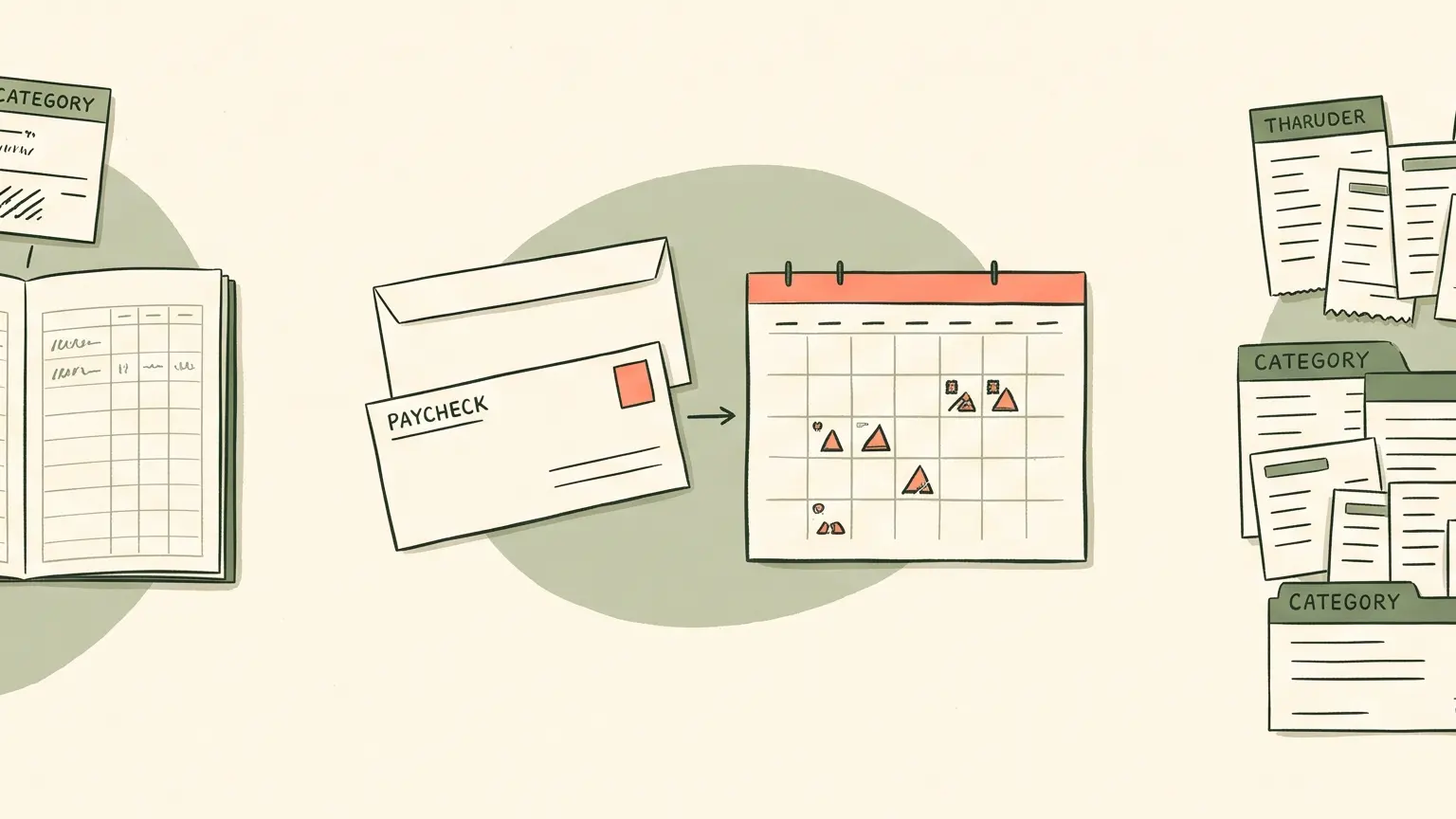
If bills land before payday, add due dates to your own working list. A monthly category total alone cannot tell you whether the cash arrives in time. For a walkthrough of assigning real deposits before planning, see this guide to a zero-based budget by paycheck. The exact timing depends on your paydays and bill dates.
Why Trust This Article
We are the Cosmo Suite team behind the Ultimate Budget Planner spreadsheet. This article uses the category examples in public budget worksheets from Consumer.gov and the Consumer Financial Protection Bureau, then turns them into a practical parent-and-subcategory method. The worked figures are illustrative arithmetic, not survey results or spending advice. Check your own bills, pay dates, and household needs when you build a monthly plan.
Where the Ultimate Budget Planner Fits
The Ultimate Budget Planner is a spreadsheet with 28 tabs across four sections, available for Excel and Google Sheets. Its monthly tabs include budget-versus-actual rows, and its dashboard section includes annual totals, an automated calendar, and a paycheck dashboard. Those views can help keep transactions, monthly groups, and paycheck timing connected in one file.
It is still a spreadsheet. You enter transactions yourself, so a short routine matters. Record purchases when you review your account, keep the category names consistent, and check the monthly totals against the plan. An app may fit better if you need automatic bank syncing or mobile entry throughout the day. If a file you can edit in Excel or Google Sheets suits your routine, the budget planner spreadsheet has category and paycheck views in the same workbook.
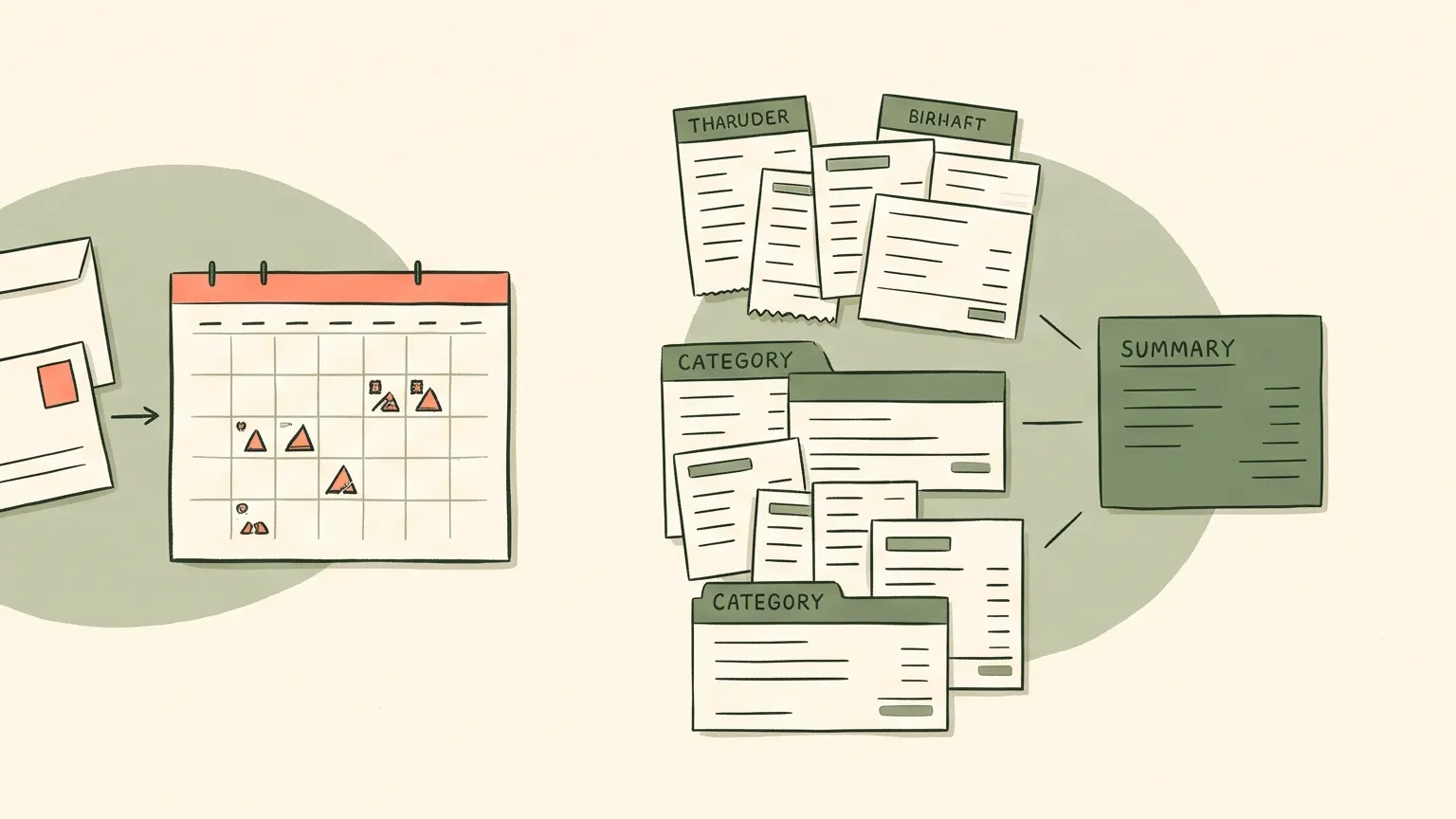
The category set does not have to follow a preset ratio. If you are comparing a percentage method with your own bills, this explanation of the 50/30/20 rule using take-home pay covers the basic split. A category list can support that method, a zero-based budget, or a simpler month plan. Pick the labels that help you review your money, then revise them when the month shows you what is missing.
Frequently asked questions
What are the main budget categories?
Start with housing, utilities, food, transportation, health and care, personal and family, savings and irregular costs, and flexible spending. Change the labels to match your bills and household.
How many categories should a budget have?
There is no required count. Begin with a small set of parent categories, then add a subcategory only when it helps you make a decision or find a transaction.
What is the 50/30/20 budget rule?
It is a way to group take-home income into needs, wants, and savings goals. It is a guide, not a list of required categories, and the percentages may not fit every month.
Should groceries and restaurants be separate budget categories?
Separate them if you want to compare food at home with meals out. If that detail will not change a choice, keep them together under Food and review the total.
Where do annual bills go in a monthly budget?
Keep the full bill and due date in an irregular-cost list. You can also set aside a monthly amount if that matches how you plan your cash. Do not treat a monthly estimate as money already received.
How often should I review budget categories?
Check planned and actual spending at the end of each month, then adjust labels when a category no longer helps. During the month, record transactions and bills as they happen.
Sources
Keep reading

Budget Methods
Zero-Based Budget: Assign Every Paycheck
Zero-based budget: assign every paycheck a job. See how $1,950 deposits map to $3,900 and $5,850 cash months, plus a simple way to handle uneven pay.
· 9 min read

Budget Methods
50/30/20 Rule: Three Take-Home Pay Examples
50/30/20 rule: See how to set needs, wants, and savings targets at three take-home levels, then adjust them when bills exceed the guideline.
· 8 min read
