Monthly Bill Tracker: Six Columns and Seven Frequencies
Monthly bill tracker: copy a free six-column layout, enter each bill once with its frequency, and see what is due before the next paycheck.
By Ultimate Budget Planner by Cosmo Suite · Editorial policy
Published · 11 min read
General information, not financial advice.
A bill goes late for one of three reasons. The due date sits somewhere other than the rest of the month, so nobody sees it coming. The day you send the money is treated as the day it is due, so the payment leaves too late. Or the week the bill lands in already holds more bills than the paycheck that week covers.
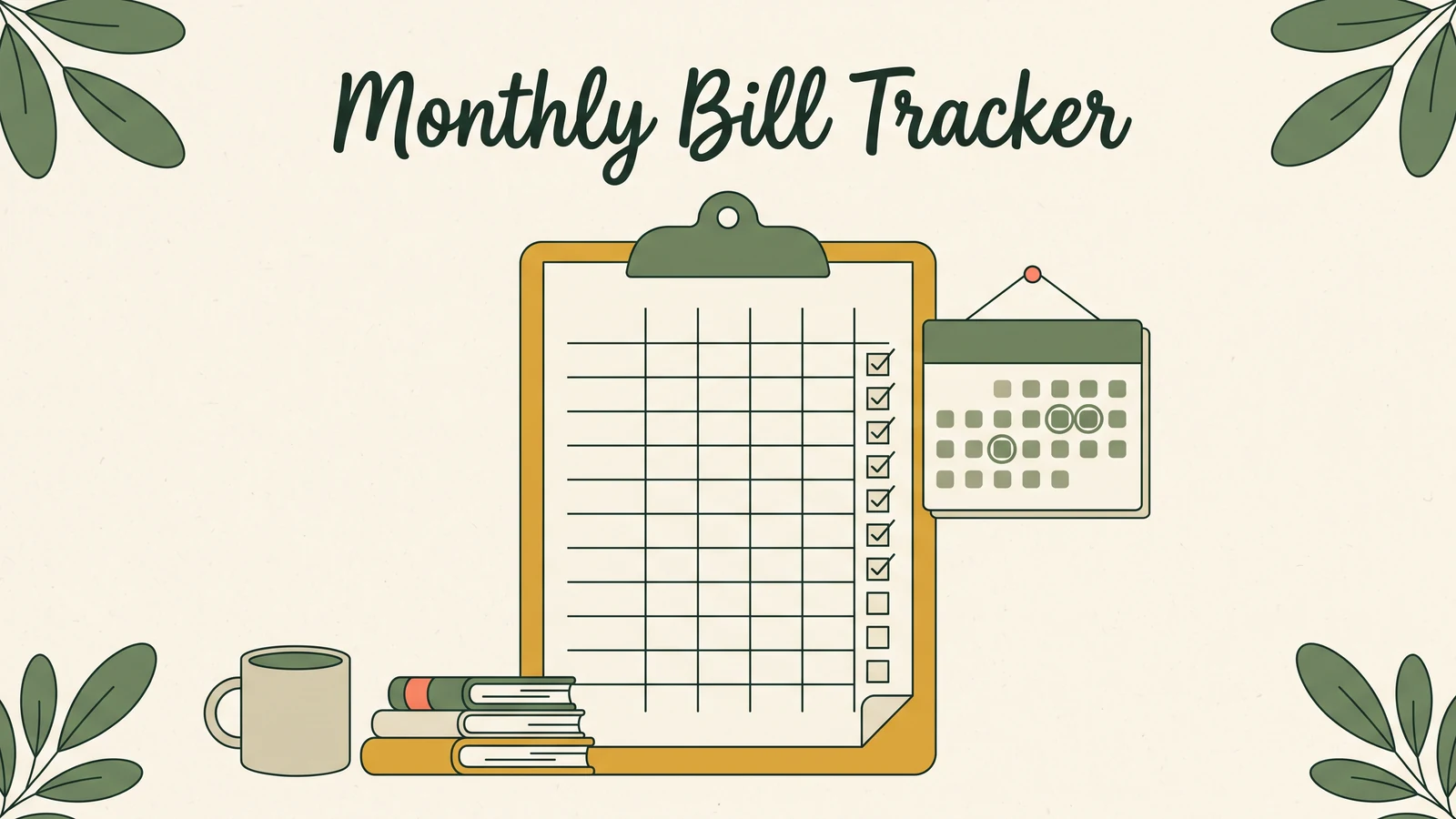
All three are layout problems, and a list settles them in about an hour. A monthly bill tracker is one list of every recurring bill, entered once with its frequency, with the date you must send it sitting beside the date it is due.
Here is the layout to copy, the seven frequencies that cover almost every bill, and the week in a worked month where the timing breaks.
Key Takeaways
- Six columns do the whole job: bill, amount, frequency, due date, send date, paid.
- Mark the send date seven days before the due date for mail, and two to three days before for an online or in-person payment.
- Seven frequencies cover nearly every bill: weekly, every 2 weeks, every 4 weeks, monthly, quarterly, every 6 months, yearly.
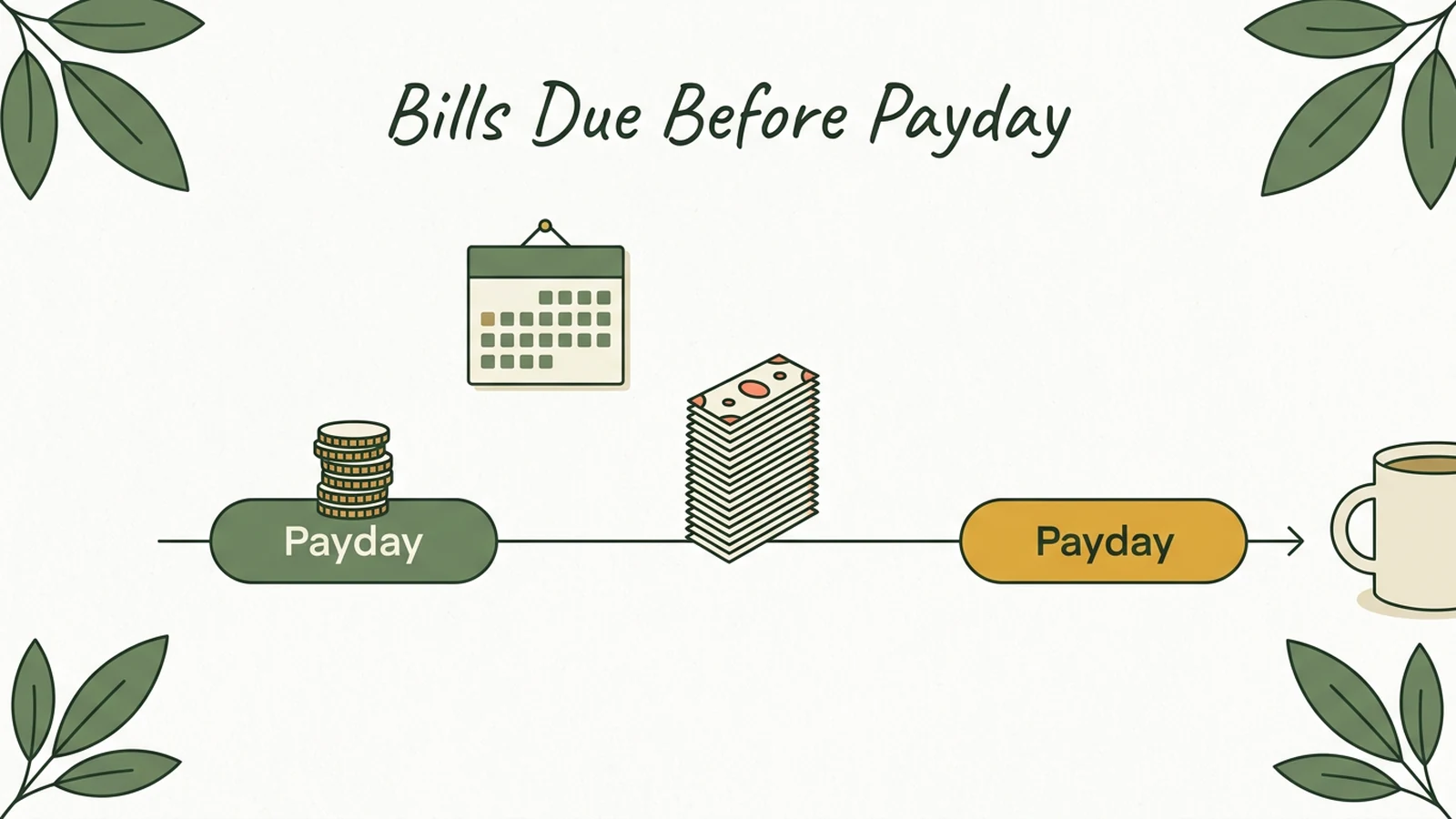
- On a $3,900 two-paycheck month, $1,433 of bills fall before the first payday.
A Late Bill Is Usually a Timing Problem
Most household bills carry a fixed due date. The CFPB's bill calendar tool says that when a bill is late, even by a few days, you will likely pay an extra fee, and you may also risk a negative entry on your credit record. A list that shows every date at once is the cheapest defence against that.
A bill tracker is a single list of the recurring bills you pay, with one row per bill and the amount, the date and the payment status on that row. It exists to put the whole month on one screen, so a date has nowhere to hide.
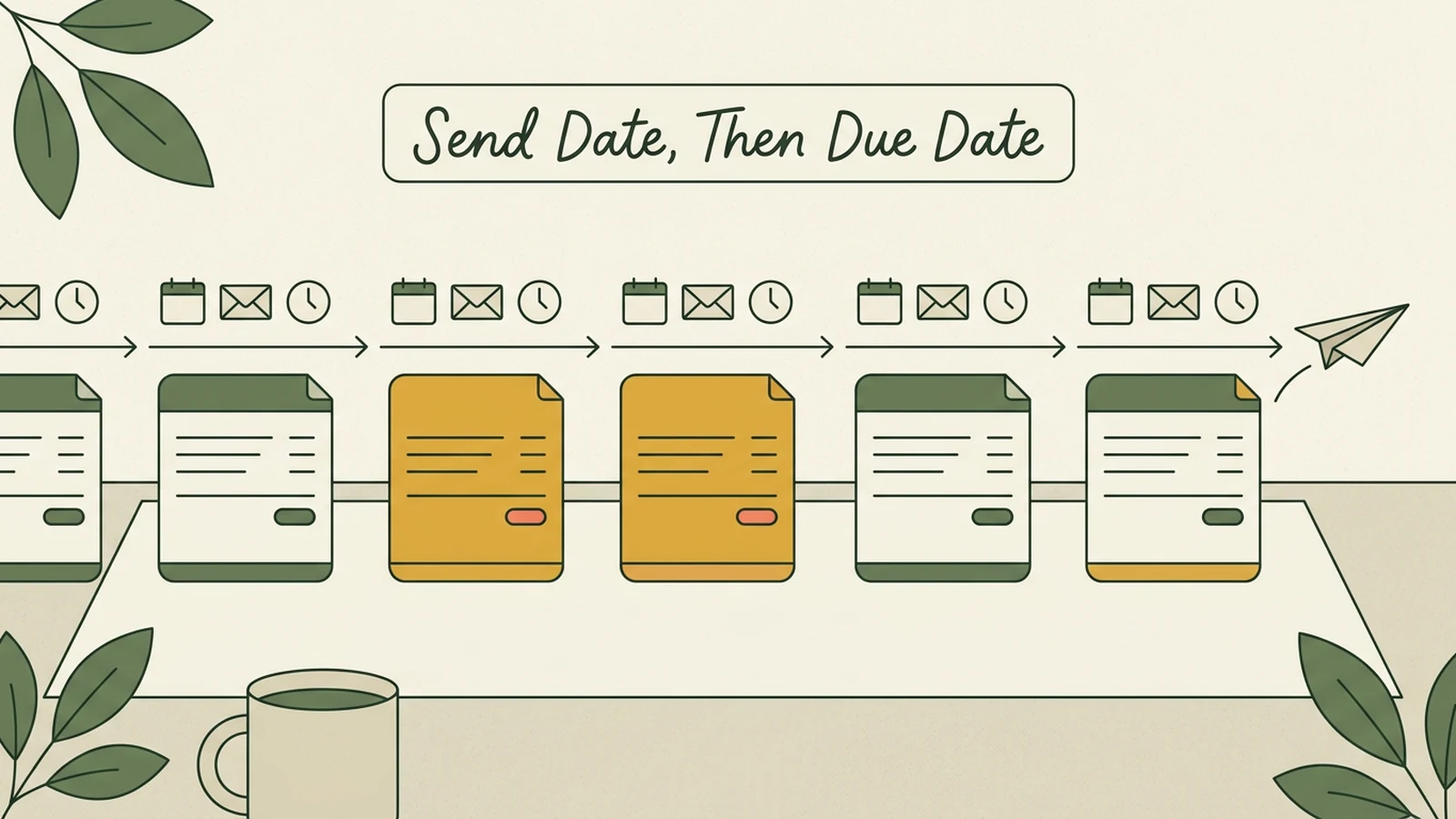
Two dates belong on every row. The due date is the day the money must arrive. The send date is the day you must act, and it comes first. On a mailed payment the gap between them is a week, which is exactly the week most trackers forget to show.
If you would rather not build the list yourself, a budget spreadsheet with the bill calendar and paycheck view already linked starts from the same rows and fills the month from them.
Monthly Bill Tracker: The Decision Table
Pick the layout by what you are willing to enter each month, not by how it looks.
| Layout | What you enter | What it costs | Best for |
|---|---|---|---|
| Paper checklist on the fridge | Bill name, amount, due date, a tick | Paper and a pen | A household that wants the list visible in the kitchen |
| One list in a notes app | The same fields, no arithmetic | Free | Someone who checks a phone more often than a sheet |
| Spreadsheet with dates and a balance | The six columns below, once per bill | Free, or the price of a template | Bills with different frequencies and pay dates that move |
| App with bank sync | A bank login, then a review | A subscription, monthly or yearly | Someone who will not enter a transaction by hand |
A checklist that never adds up still catches a missed bill, because the tick is visible. A spreadsheet adds a second job: it totals the month and carries the running balance, so the week with too many bills shows up before the bills do. Choose the arithmetic only if you will keep entering the rows.
The Worked Month
Imagine a household paid $1,950 every other week, on the 9th and the 23rd. Those two checks put $3,900 into the month. Eleven bills are due, and the monthly shares of the non-monthly ones are counted at their monthly cost.
| Money in | Money out | Left this month |
|---|---|---|
| Two $1,950 take-home checks, 9th and 23rd | Nothing entered yet | $3,900 |
| No additional cash | $1,433 of bills due before the 9th: rent, renters insurance, internet | $2,467 |
| No additional cash | $598 of bills due from the 9th to the 22nd: phone, car insurance, car payment, electric, water | $1,869 |
| No additional cash | $60 of bills due after the 23rd: gym, streaming, car registration | $1,809 |
| No additional cash | $520 of groceries for the month | $1,289 |
The first line is the one that matters. Rent of $1,350 is due on the 1st, which is before either check arrives, so it comes out of the previous month's second paycheck. Add the insurance and the internet and $1,433 must already be sitting in the account before the 9th.
Six Columns Do the Whole Job
The free layout is six columns wide. Every bill gets one row, and no bill is typed again until its frequency brings it back.
| Bill | Amount | Frequency | Due date | Send date | Paid |
|---|---|---|---|---|---|
| Rent | $1,350 | Monthly | 1st | 29th, by transfer | |
| Renters insurance | $18 | Monthly | 3rd | 1st | |
| Internet | $65 | Monthly | 6th | 3rd | |
| Phone | $45 | Monthly | 12th | 10th | |
| Car insurance | $630 | Every 6 months | 14th | 12th | |
| Car payment | $310 | Monthly | 15th | 13th | |
| Electric | $96 | Monthly | 18th | 16th | |
| Water | $42 | Monthly | 20th | 18th | |
| Gym | $30 | Monthly | 26th | 24th | |
| Streaming | $18 | Monthly | 27th | 25th | |
| Car registration | $144 | Yearly | 28th | 21st |
[Original data] This table is an illustrative example built line by line, not a customer's data. Every total in the worked month can be recomputed from it.
Read the Amount column carefully. The car insurance row shows the bill as billed, $630, and its frequency says every 6 months. The worked month above used $105, which is $630 divided by 6. The registration row shows $144 yearly and $12 a month. Keeping the real amount and the real frequency on the row, then dividing in a second column, is what stops a 6-month bill from being entered six times.
The Send date column is the one to fill in first. For a mailed payment it sits seven days before the due date. For an online or in-person payment it sits two to three days before. The CFPB's tool gives both margins, and it also suggests adding your income dates to the same calendar so the two can be compared week by week.
Seven Frequencies Cover Every Bill You Have
A frequency is the interval a bill repeats on. Almost every household bill fits one of seven: weekly, every 2 weeks, every 4 weeks, monthly, quarterly, every 6 months, and yearly. Each needs one arithmetic step to become a monthly number.
- Weekly: multiply by 52, then divide by 12. A $30 weekly cleaner is $130 a month.
- Every 2 weeks: multiply by 26, then divide by 12.
- Every 4 weeks: multiply by 13, then divide by 12.
- Monthly: no step.
- Quarterly: divide by 3. A $90 water bill each quarter is $30 a month.
- Every 6 months: divide by 6. The $630 car insurance is $105 a month.
- Yearly: divide by 12. The $144 registration is $12 a month.
The difference between every 2 weeks and every 4 weeks is the step most people miss. Twenty-six payments and thirteen payments are not the same year, and a 4-weekly bill costs about twice as much a year as a 2-weekly one of the same amount.
A sinking fund is money set aside each month for a bill that arrives later. The yearly-cost list is the same idea in one place. Registration at $144, insurance at $630 every 6 months, gifts at $480 and a $96 subscription add up to $1,350 a year, which is $112.50 a month. Move that amount every month and the months with a large bill stop being surprises.
The CFPB's spending checklist makes the same point from the other direction. It asks for a miscellaneous category and says to look back over several months so the less frequent costs, such as insurance, medical bills and gifts, are not left out. It also notes that about half of Americans do not have a budget at all.
[Unique insight] The frequency column, not the amount column, is where most bill trackers fail. A list that records only monthly amounts quietly turns a $630 insurance bill into $630 a month, or drops it for eleven months and then breaks the twelfth.
The Send Date Is Not the Due Date
A send date is the day the payment has to leave your hands so it arrives by the due date. For a mailed payment the CFPB puts it at least seven days before the due date. For an in-person or online payment it puts it two or three days before.
A due date is a deadline on arrival, so the payment has to leave before it. A check posted on the due date is late. A transfer started on the due date may post the next business day.
Credit cards run on their own clock. A card issuer must deliver the bill at least 21 days before the payment is due. The time between the end of the billing cycle and the due date is the grace period, the window in which a full payment avoids interest. The CFPB's explanation of the grace period sets out that rule and notes that most cards give a grace period on purchases, but are not required to. When the statement date and the due date are both on the row, the three weeks between them are visible instead of guessed.
Tick It Paid, and Let the Balance Move
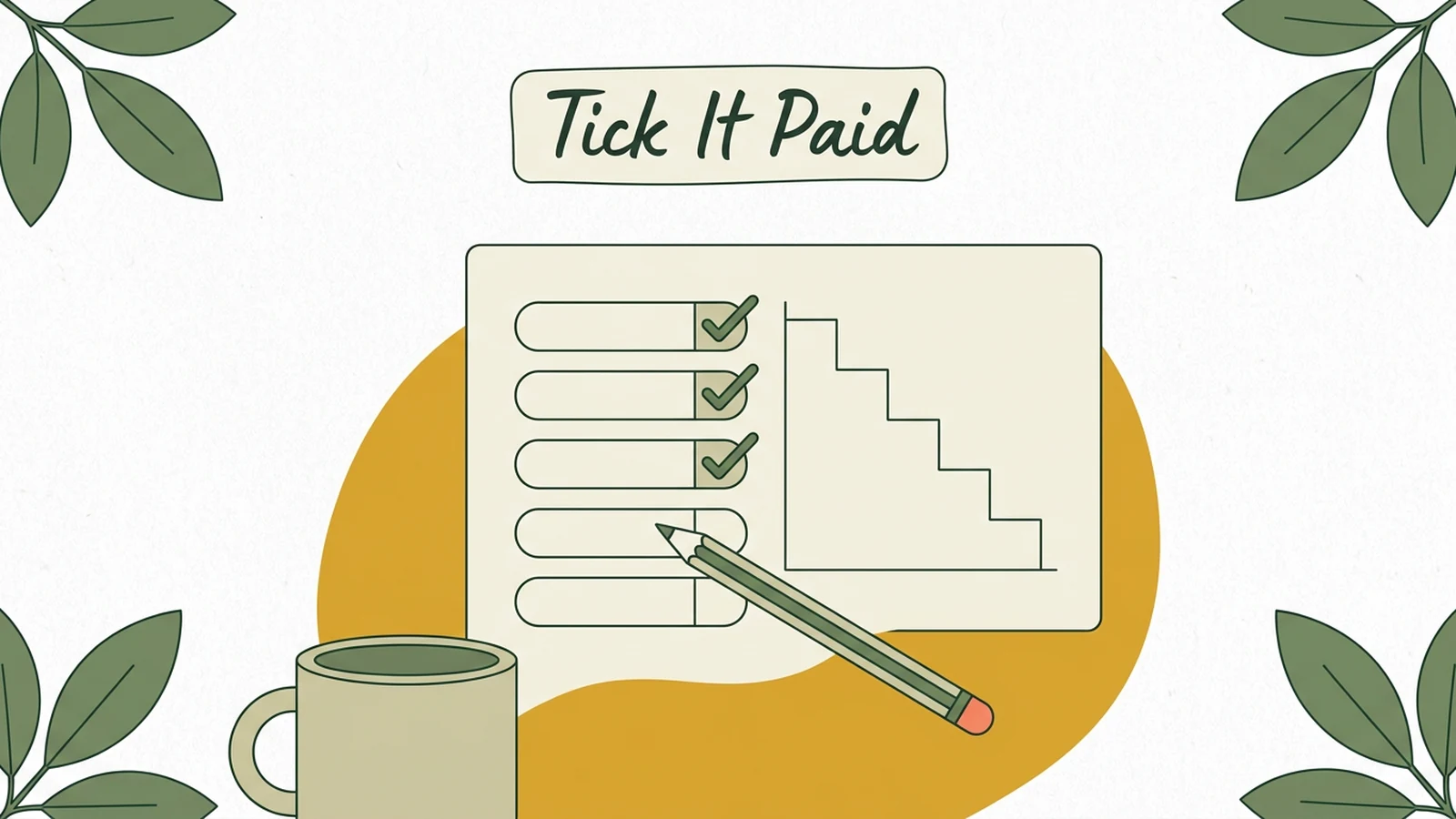
The Paid column is what turns a list into a tracker. A tick means the payment has left, the row closes for that cycle, and the running balance drops by that amount.
Three states are worth separating, even in a paper list. Planned is a bill you expect and have not touched. Sent is money that has left your account or your hand. Cleared is money the company has taken. Marking a bill as planned when it is still only sent is the commonest way a balance drifts from the bank.
Automatic payment shortens this to one step, and it carries its own risk. The CFPB's guide to paying bills says automatic payment from a checking account saves time, but you need enough money in the account to cover it, or you risk a rejected payment or an overdraft fee. A tracker helps here because the automatic bill is a dated row, and the row sits next to the payday that is meant to fund it.
A spreadsheet earns its keep at this step. The tick changes the balance, and the next date for a recurring bill can be generated from the frequency instead of typed. One list then feeds the month tab, the calendar and the yearly totals without a second entry.
When Two Bills Land in the Same Week
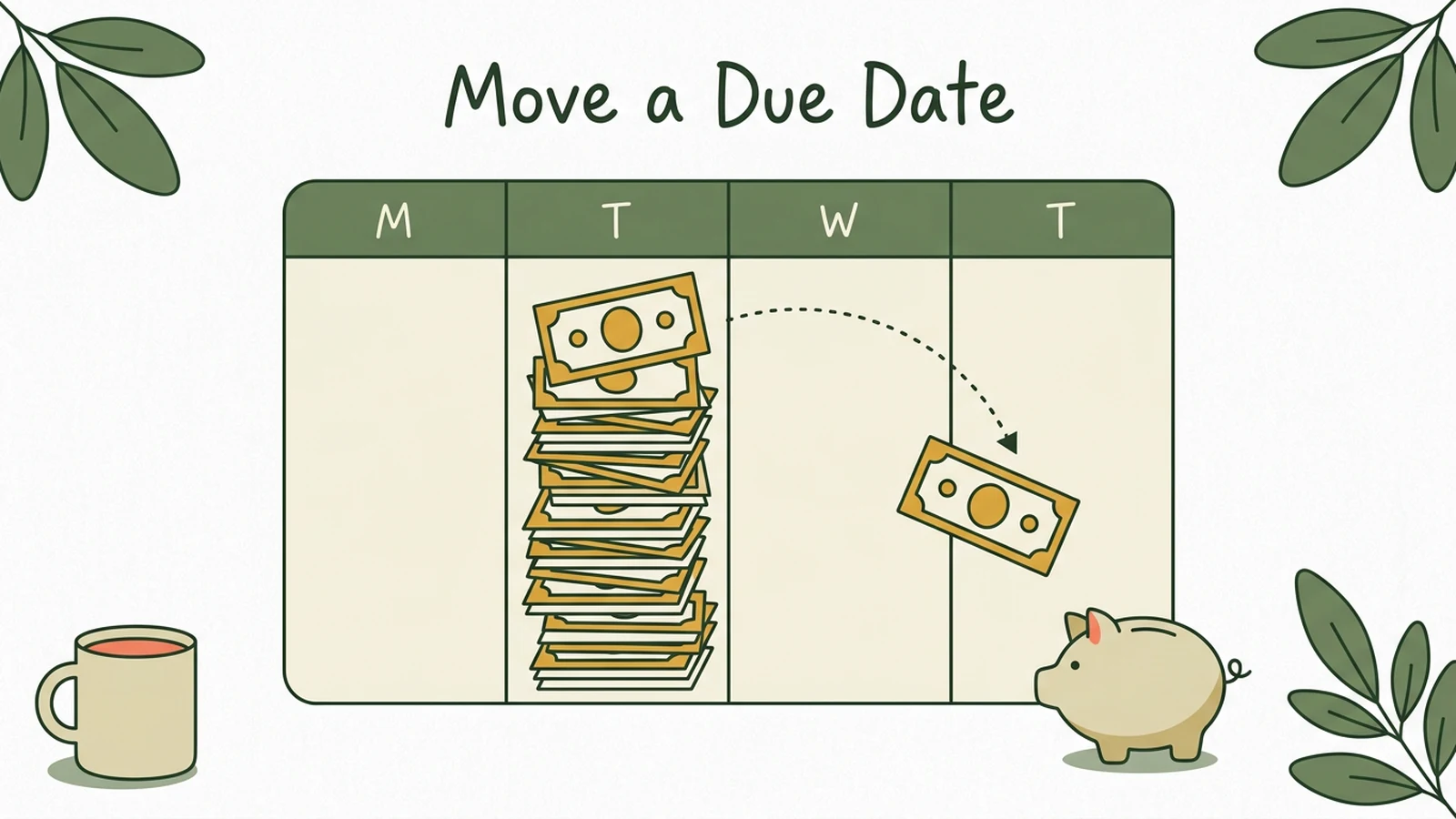
The CFPB's bill calendar tool ends with a step most people skip. Once the bills are on the calendar, add the dates and amounts you get paid, then compare the weekly bill total with the weekly income total. Where a week holds more bills than income, the tool suggests asking to change the due date of some of the bills.
It is worth asking. A utility, phone company or gym can often move a due date on request, and a move from the 3rd to the 17th can be the whole fix. Write the new date on the row and change nothing else.
When the month still will not stretch, the order of payment matters more than the total. The CFPB's prioritizing bills tool puts housing and income first, then insurance, then court-ordered obligations, and it warns against paying the loudest collector while a necessity goes unpaid. A tracker supports that decision by showing every bill and its consequence side by side.
A weekly budget template with a paycheck view is the natural partner to the bill list, because it puts the same week of bills against the same week of income. For the wider picture of how the month and the list connect, see the budget spreadsheet guide.
Why Trust This Article
We are the Cosmo Suite team that builds and sells the Ultimate Budget Planner, so we have a stake in this topic. The six columns work in any spreadsheet, including one you build yourself from a blank sheet.
Methodology: the worked month is an illustrative example built in the planner's own tabs, not a customer's data, and every total can be recomputed from the lines shown. The send-date margins, the 21-day delivery rule, the automatic payment risks and the order of priority come from the Consumer Financial Protection Bureau's own tools, linked above. All sources were checked on 19 November 2026.
Read more about us and our editorial policy, or contact us through the site footer. Verify the dates against your own statements before you act on any number.
Where the Ultimate Budget Planner Fits
The six columns are the easy part of a bill tracker. The hard part is keeping the list, the calendar, the month and the paycheck view on the same set of dates as bills move and pay dates shift.
The Ultimate Budget Planner is that wiring already built, in one file for Excel and one for Google Sheets. It has 28 tabs in 4 sections, and the Transactions section holds the bill list: Easy Setup, Bank Accounts, Recurring Transactions, Payments and Variable Transactions. Recurring Transactions takes each bill once with one of 7 frequencies, and each generated date is ticked when paid. The Payments tab records what has actually left, which is the sent and cleared distinction above.
From those rows, the Dashboards section fills in: an All-in-One dashboard, Annual Totals, an Automated Calendar that puts bills on their due days, and a Paycheck Dashboard for weekly, bi-weekly, semi-monthly or custom cycles. The 12 Monthly tabs start in any month and run carried-over or zero-based, so the $2,091 of bills and the $1,289 left after groceries appear without being typed twice. The Build Your Wealth section adds Sinking Funds for the yearly costs and a Net Worth tab.
It is $9 one-time for both formats, reusable every year, with no subscription. A ready-made budget spreadsheet with the bill list, calendar and paycheck view connected removes the setup hour. The Google Sheets budget template guide shows the same layout built by hand if you prefer to start from a blank sheet.
Frequently asked questions
What should a monthly bill tracker include?
Six columns do the whole job: the bill name, the amount, the frequency, the due date, the send date and a paid tick. The send date is the column most trackers leave out, and it is the one that stops a payment leaving too late for its due date.
How do I track bills that are not monthly?
Enter the bill once with its real frequency, such as every 6 months or yearly, and note its monthly share beside it. Car insurance of $630 every 6 months is $105 a month. Dividing the amount by the number of months between bills keeps the monthly total honest.
How far ahead should I mark a bill as sent?
Mark the payment seven days before the due date when you pay by mail, and two to three days before when you pay in person or online. The CFPB's bill calendar tool gives both margins so the money arrives by the due date rather than leaving on it.
Should I use a paper bill tracker or a spreadsheet?
Use paper if the list needs to be visible in the kitchen every day. Use a spreadsheet if the bills have different frequencies and your pay dates move, because it can add the month and carry a running balance. A phone note fits someone who checks a screen more often.
What do I do when two bills fall in the same week?
Compare the week's bill total with the income that lands in that same week. If the bills are larger, ask one company to move its due date to a later week in the month. The CFPB recommends exactly that comparison before the month begins.
Does a bill tracker stop late fees?
No. It shows the dates early enough that you can act. A bill that is late, even by a few days, will likely cost an extra fee and may put a negative entry on your credit record, which is why the send date sits on the row.
Sources
- Consumer Financial Protection Bureau, Your Money Your Goals: Bill calendar tool
- Consumer Financial Protection Bureau, Your Money Your Goals: Choosing how to pay bills
- Consumer Financial Protection Bureau, Your Money Your Goals: Prioritizing bills
- Consumer Financial Protection Bureau, What is a grace period for a credit card?
- Consumer Financial Protection Bureau, Assess your spending
Keep reading
Bills and Paychecks
How to Budget by Paycheck (and Still Track the Month)
Budget by paycheck: map each bill to the check that arrives before it is due, budget the $3,900 two-paycheck month, and keep the monthly total in view.
· 11 min read
Bills and Paychecks
Gross vs Net Income: Which Figure Belongs in Your Budget?
Gross vs net income can show very different pay amounts. Learn which figure to use in a household budget, what deductions mean, and how to read a pay stub.
· 8 min read
Bills and Paychecks
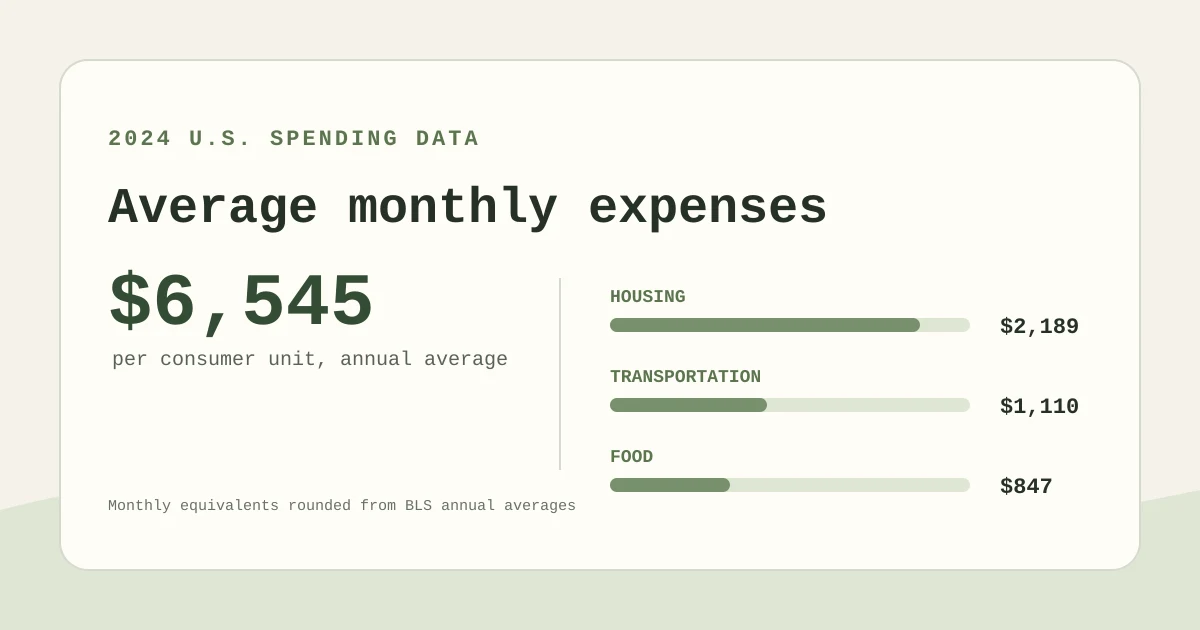
Average Monthly Expenses: What the U.S. Data Shows
Average monthly expenses in the U.S. were about $6,545 in 2024. Compare category averages, see income-group differences, and check your own month.
· 7 min read
